Minecraft Pocket Edition (PE) has transformed the world of mobile gaming, offering players a compact yet comprehensive version of the globally acclaimed sandbox game, Minecraft. Whether you're a seasoned builder or a curious newcomer, Minecraft PE provides endless opportunities for creativity, adventure, and survival, all from the convenience of your mobile device.
What is Minecraft Pocket Edition?
Minecraft Pocket Edition is a mobile version of the popular sandbox game, Minecraft. Initially released in 2011, this version has evolved significantly, incorporating many of the features found in the PC and console editions. Available on both Android and iOS platforms, Minecraft PE allows players to build, explore, and survive in a blocky, procedurally generated 3D world.
Why Choose Minecraft Pocket Edition?
1. Portability:
Minecraft PE brings the magic of Minecraft to your fingertips, allowing you to play anytime, anywhere. Whether you're on a long commute, waiting for an appointment, or relaxing at home, your Minecraft world is just a tap away.
2. Cross-Platform Play:
With the Bedrock Edition, Minecraft PE players can join forces with friends on different devices, including consoles and PCs. This cross-platform compatibility expands your multiplayer possibilities, ensuring you never have to adventure alone.
3. Regular Updates:
Mojang, the developer behind Minecraft, consistently updates Minecraft PE with new features, bug fixes, and content. From new mobs and biomes to innovative gameplay mechanics, these updates keep the game fresh and exciting.
Getting Started with Minecraft Pocket Edition
1. Installation:
Downloading Minecraft PE is straightforward. Visit the Google Play Store for Android devices or the App Store for iOS devices, search for "Minecraft," and follow the prompts to install the game.
2. Basic Controls:
The touch controls in Minecraft PE are intuitive, but they might take some getting used to if you're transitioning from a PC or console. Here are some basic controls to get you started:
- Move: Use the on-screen joystick on the left side of the screen.
- Jump: Tap the jump button on the right side of the screen.
- Place Blocks: Tap the screen where you want to place a block.
- Mine/Destroy Blocks: Tap and hold on the block you want to mine or destroy.
3. Survival Mode:
In Survival Mode, players must gather resources, build structures, and fend off hostile mobs. Here are some tips for surviving your first night:
- Gather Wood: Punch trees to collect wood, which you can craft into planks and tools.
- Build a Shelter: Before nightfall, build a basic shelter to protect yourself from mobs.
- Craft Tools: Use a crafting table to create essential tools like pickaxes, swords, and shovels.
Advanced Tips for Mastering Minecraft Pocket Edition
1. Redstone Mechanics:
Redstone is Minecraft's version of electrical wiring, allowing players to create complex machines and contraptions. Experiment with redstone circuits to automate tasks and build innovative creations.
2. Exploration:
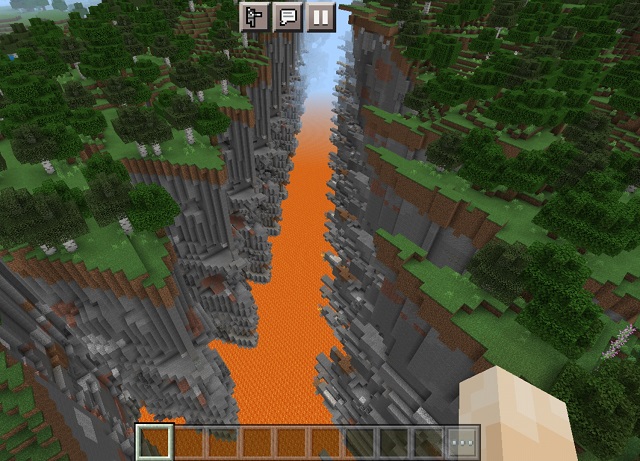
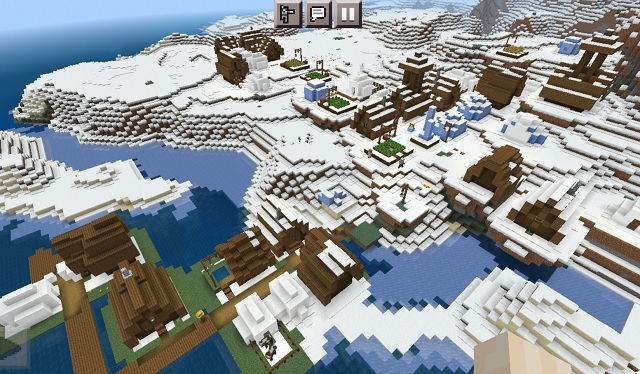
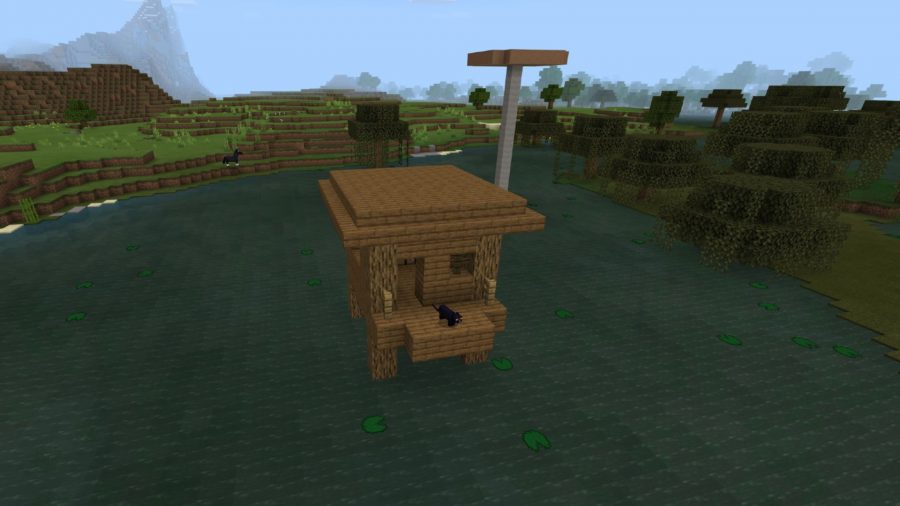
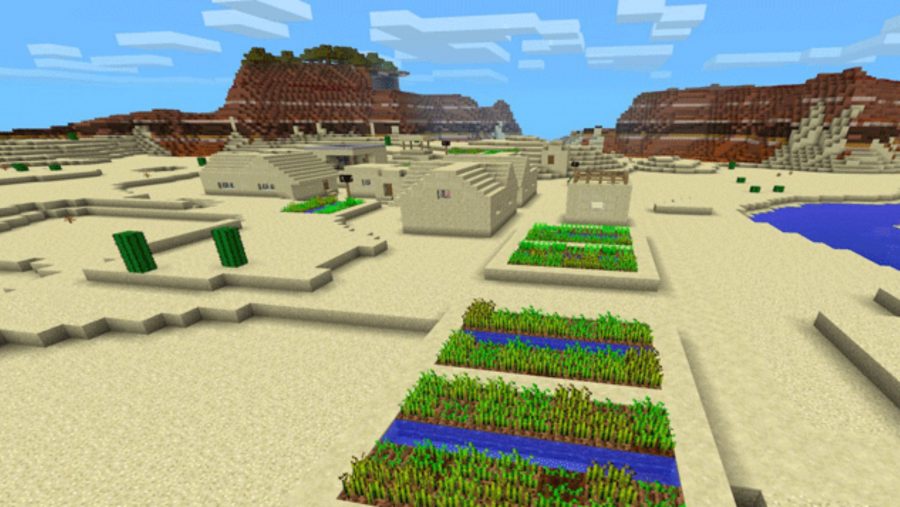
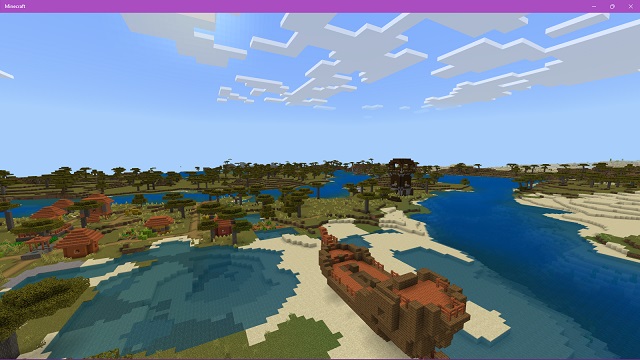
The world of Minecraft PE is vast and filled with diverse biomes, structures, and treasures. Take time to explore and discover villages, temples, and rare resources.
3. Mods and Add-Ons:
Enhance your Minecraft PE experience with mods and add-ons. These user-generated content packs can introduce new mobs, gameplay mechanics, and visual enhancements.
Conclusion
Minecraft Pocket Edition offers a rich and immersive gaming experience, perfectly tailored for mobile play. Whether you're building towering structures, exploring uncharted territories, or battling fierce mobs, Minecraft PE provides endless entertainment and creativity. Download Minecraft PE today and start your adventure in the blocky world that has captivated millions of players worldwide.
Remember to share your epic builds and adventures with the Minecraft community online, and stay tuned for more updates and tips on mastering Minecraft Pocket Edition! Minecraft Bedrock seeds!
Terms & Conditions